Pipedrive Marketplace497 apps
search apps…
APPLE WATCHLIST
0manually curated
PIPEDRIVE APPS
497full marketplace
TOTAL TRACKED
497across 2 stores
TOP MOMENTUM
—highest score
QU
Quo
Quo · Attract new leads · Kostenpflichtig
The Pipedrive integration with Quo brings your CRM and phone system together so your team always has the most up-to-date customer context.
REVIEWS
6
⌀ RATING
4.0
REVIEWS/TAG
—
REV/INSTALL
—
INSTALLS
—
MOMENTUM
—
WETTBEWERB · ATTRACT NEW LEADS
| App | Reviews | Rating | Momentum |
|---|---|---|---|
| Albacross | 0 | 4.5 | — |
| Apollo.io | 20 | 4.0 | — |
| Autohive | 0 | 0.0 | — |
| BIQPipeDriveContacts | 0 | 0.0 | — |
| Bird: Marketing, Sales & Payments | 1 | 1.0 | — |
| Bluebird One | 0 | 5.0 | — |
| Boost.space | 0 | — | — |
| BuiltWith | 5 | 4.5 | — |
🤖 FEATURE-GAP · WO 20 % BESSER
Noch keine Analyse — „Analysieren" oben rechts startet sie.
💰 MONETARISIERUNG · LOHNT DER NACHBAU?
💰 MONETARISIERT
Kostenpflichtig
📈 MOMENTUM
—
📊 SKALA
—
SCREENSHOTS
BESCHREIBUNG
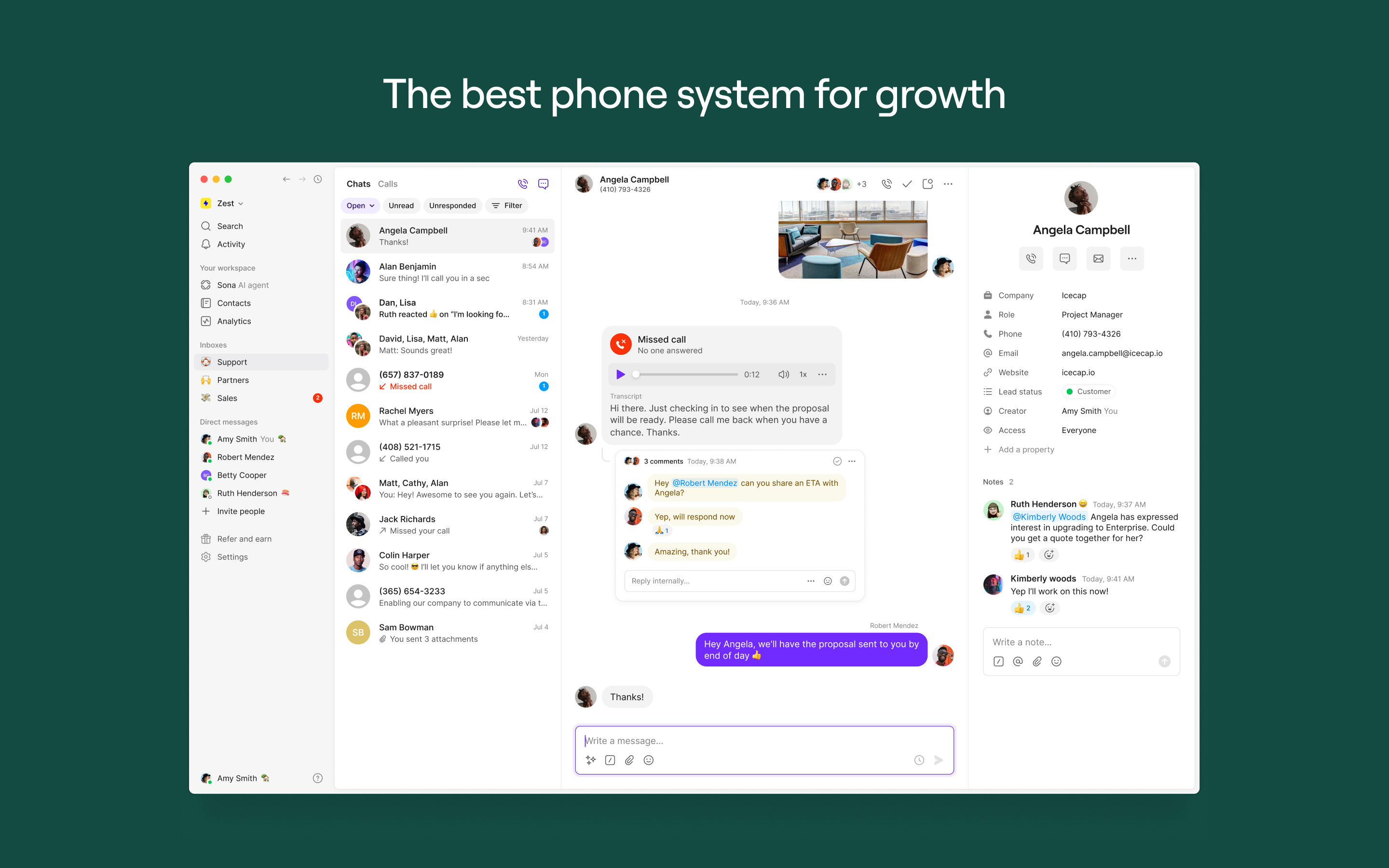
Win more customers with Quo. The next-generation phone system to engage customers, collaborate with your team, and scale your reach with AI — without losing the personal touch.
Rated #1 in customer satisfaction on G2 and trusted by 90,000+ companies, Quo brings calls, texts, and customer information into one easy-to-use, AI-powered platform.
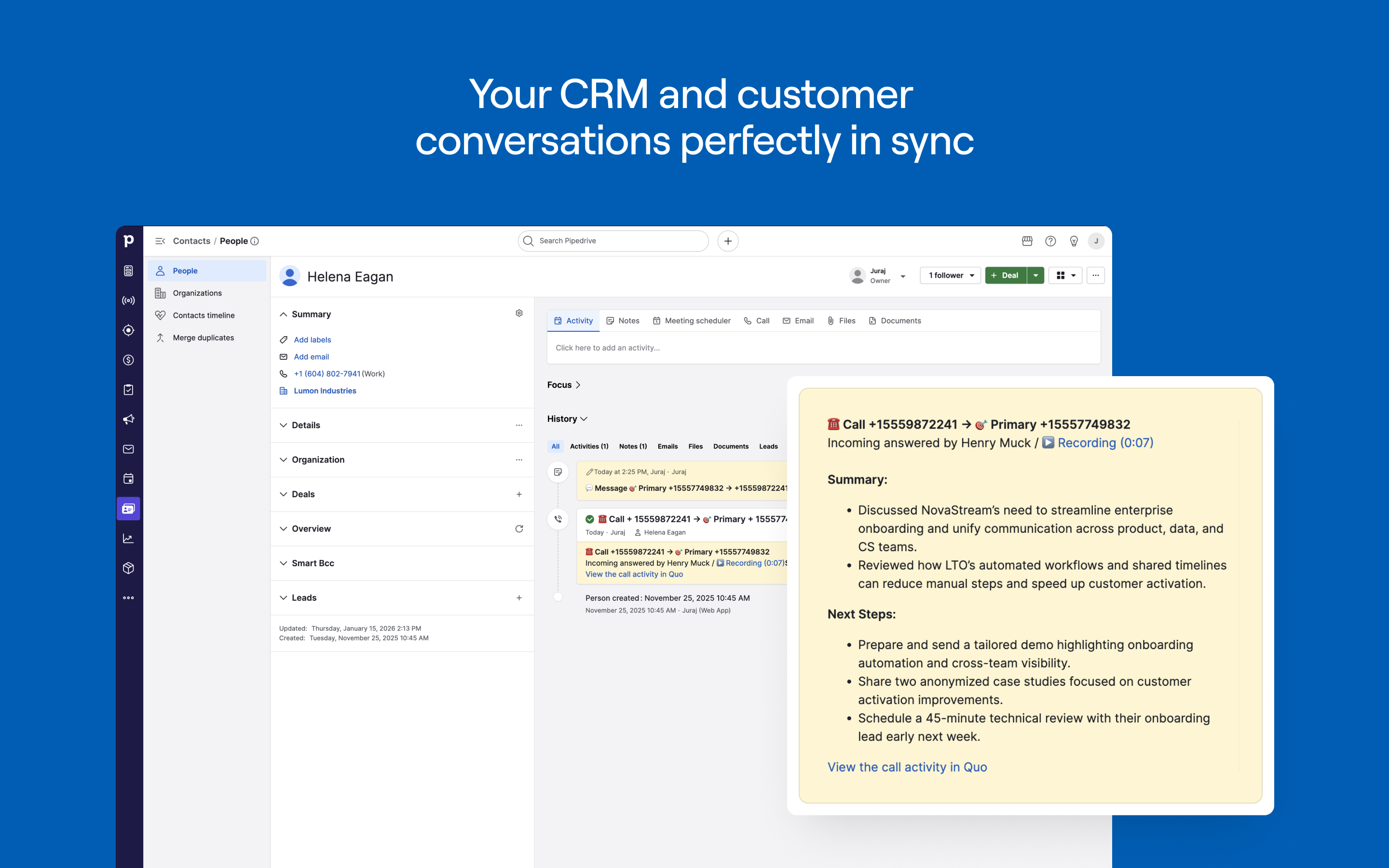
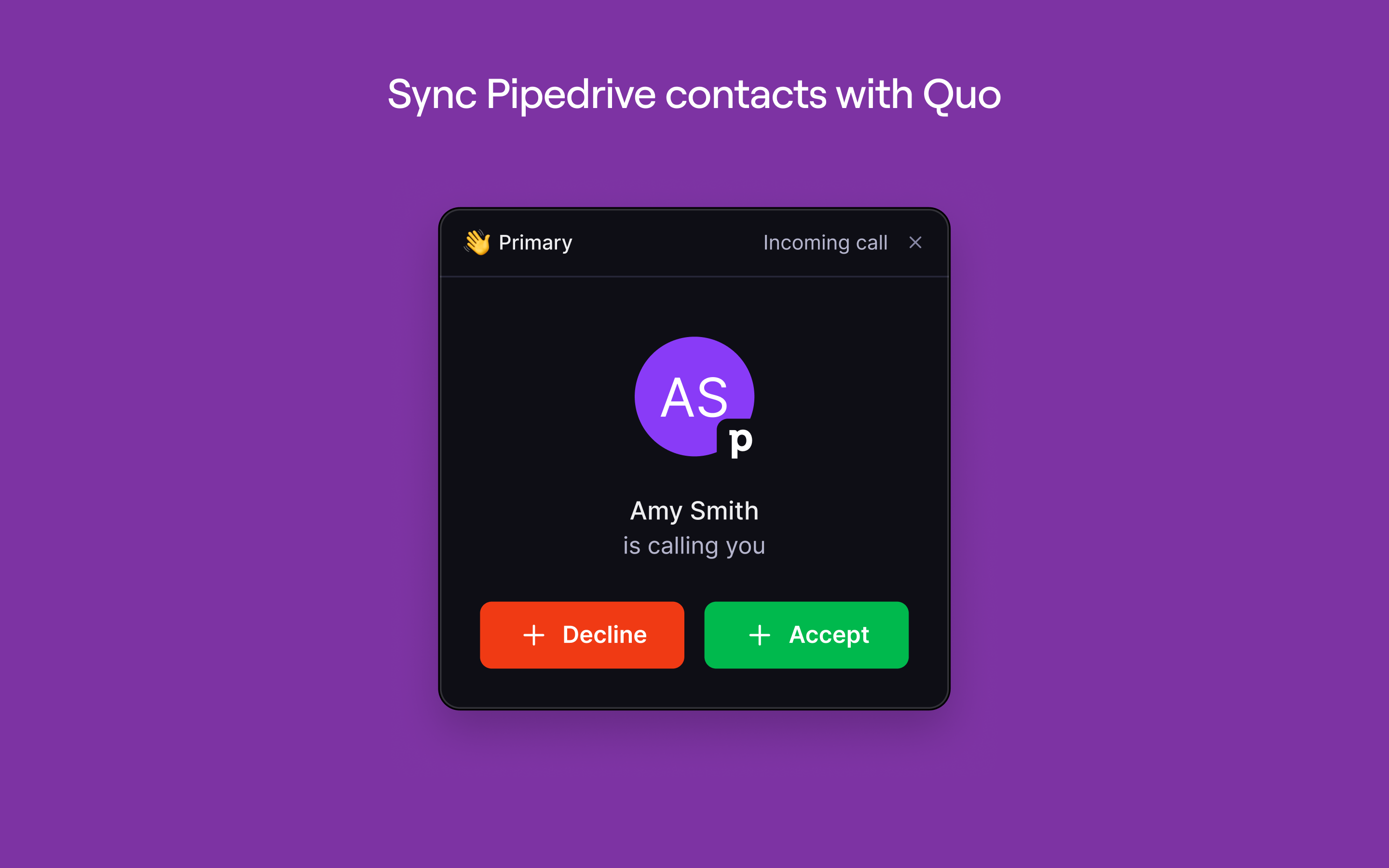
With the Quo and Pipedrive integration, your CRM and customer conversations stay perfectly in sync. Automatically pull contacts from Pipedrive into Quo, log all calls, texts, and call summaries back to Pipedrive, and place calls directly from your CRM. Your team gets complete context at every touchpoint so they can respond faster, stay aligned, and build stronger relationships.
REVIEWS (6)
★★☆☆☆1.7.2026
It was a nice addition to my business but wasn't able to text directly from PD, and it didn't sync the contacts correctly making me have multiple duplicates.
Also the biggest reason I didn't use it is that QUO didn't work for group chats it the carriers would use RCS and QUo would just not get any of those messages for whatever reason otherwise I'd give it 4-5 stars.
★☆☆☆☆31.3.2026
Did not work as expected. I used JustCall. much more efficient
★☆☆☆☆4.3.2026
I Purchased Quo because it ties into Pipedrive. Unfortunately I can get it to work at all. I can not even make a phone call out of Pipedrive on the quo system.
★☆☆☆☆5.2.2026
I was very excited about this integration. I left PipeDrive a year ago because this integration wasn't possible. I was excited to come back, but disappointed to learn that Quo info syncs only to the Contact, not to the Deal. This makes the integration entirely useless to us. My sales team needs to see communications on the Deal (which is where email communications automatically appear) not the Contact (a view we never use in the normal course of business). Showing Gmail communication on the Deal but not Quo communication on the Deal is a misstep.
TO MAKE MATTERS WORSE: The second challenge lies in the incomplete Contact sync. PipeDrive automatically creates a new contact in Quo for every PipeDrive Contact (with an active conversation). This results in a duplicate for every contact if you’re also using Quo’s Contact book. These contacts are incomplete - it does not sync Address, which is a crucial field for us. And these contacts are read-only, and cannot be updated in Quo or merged with your existing Quo contact. Since Quo will by default show you the read-only contact card from PD, you now can no longer easily edit your Contacts in Quo or view their additional fields (anything other than Name, Phone, Email).
Using this integration has therefore not improved our use of PipeDrive, and has made our use of Quo significantly worse. On balance this is a net-negative, not a positive.
★★★★★2.2.2026
Hi Quo team,
Super excited to see the direct Quo + Pipedrive integration — this is awesome. I’m really excited, but I have a few questions first. Could you please help clarify:
1. Calling from Pipedrive
How do calls work “directly from Pipedrive”?
– Do we have to place calls only through the Quo app, or can we also call from Pipedrive in the browser (with the Quo dialer opening / embedded)?
2. New inbound with no existing contact
If a new inbound call/SMS comes in and there is no matching person/contact in Pipedrive yet, will that inbound activity still be logged in Pipedrive?
3. Auto-create a lead from new inbound calls/SMS
Can the integration automatically create a new lead/deal/person from a brand-new inbound call or SMS (similar to how Quo + Jobber integration can create a new record from a new inbound)?
4. Where do calls & messages appear inside Pipedrive
Will we be able to see calls and SMS threads in Pipedrive’s Phone/Calls area (global view), or only inside the specific contact/deal card?
Thanks in advance!
★★★★★29.1.2026
I've been a Quo customer for a long time and was really excited to see the native Pipedrive integration launch. Having our calls and messages automatically synced with Pipedrive saves our team a lot of manual work and keep all customer context in one place.