Pipedrive Marketplace497 apps
search apps…
APPLE WATCHLIST
0manually curated
PIPEDRIVE APPS
497full marketplace
TOTAL TRACKED
497across 2 stores
TOP MOMENTUM
—highest score
LT
LeadDesk Talk - High Quality Calling in Pipedrive
LeadDesk · Communicate with leads · Gratis
Call faster with more personalized service by bringing powerful contact center features to Pipedrive. Crystal clear audio and reliable 99.95% uptime.
REVIEWS
1
⌀ RATING
4.5
REVIEWS/TAG
—
REV/INSTALL
—
INSTALLS
—
MOMENTUM
—
FEATURES · WAS DIE APP KANN
- LeadDesk Talk — LeadDesk Talk
WETTBEWERB · COMMUNICATE WITH LEADS
| App | Reviews | Rating | Momentum |
|---|---|---|---|
| API4Com - API de Voz | 122 | 4.5 | — |
| Acuity Scheduling for Pipedrive | 4 | 3.5 | — |
| AideRing | 0 | 0.0 | — |
| Aircall | 28 | 4.0 | — |
| Allô: AI Second Business Phone | 7 | 4.5 | — |
| AloTech | 0 | 4.0 | — |
| AloTech Softphone CTI | 0 | 0.0 | — |
| Aloware Contact Center | 3 | 4.0 | — |
🤖 FEATURE-GAP · WO 20 % BESSER
Noch keine Analyse — „Analysieren" oben rechts startet sie.
💰 MONETARISIERUNG · LOHNT DER NACHBAU?
💰 MONETARISIERT
Gratis
📈 MOMENTUM
—
📊 SKALA
—
SCREENSHOTS


BESCHREIBUNG
**Please note: you must have a LeadDesk subscription to use LeadDesk Talk. [Contact Sales](https://leaddesk.com/software/outbound-sales/#contactForm)**
**Highlights**
- Make outbound calls and receive inbound calls directly in Pipedrive with LeadDesk Talk.
- Send SMS follow-ups after calls for sales confirmations. Choose from a template or write your own.
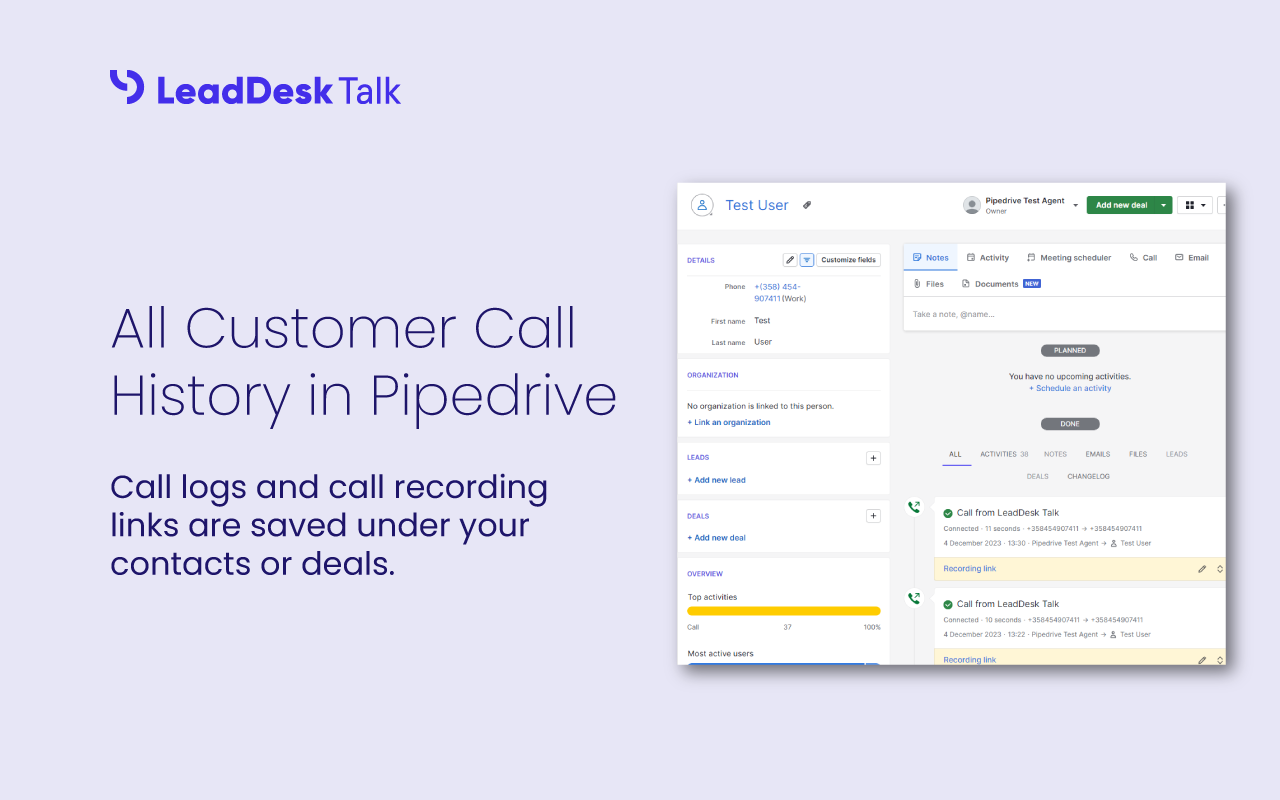
- Integrated with Pipedrive. Calls and messages are recorded in related Deal or Contact records for all communication history in one place.
LeadDesk Talk lets agents call and message contacts directly in Pipedrive.
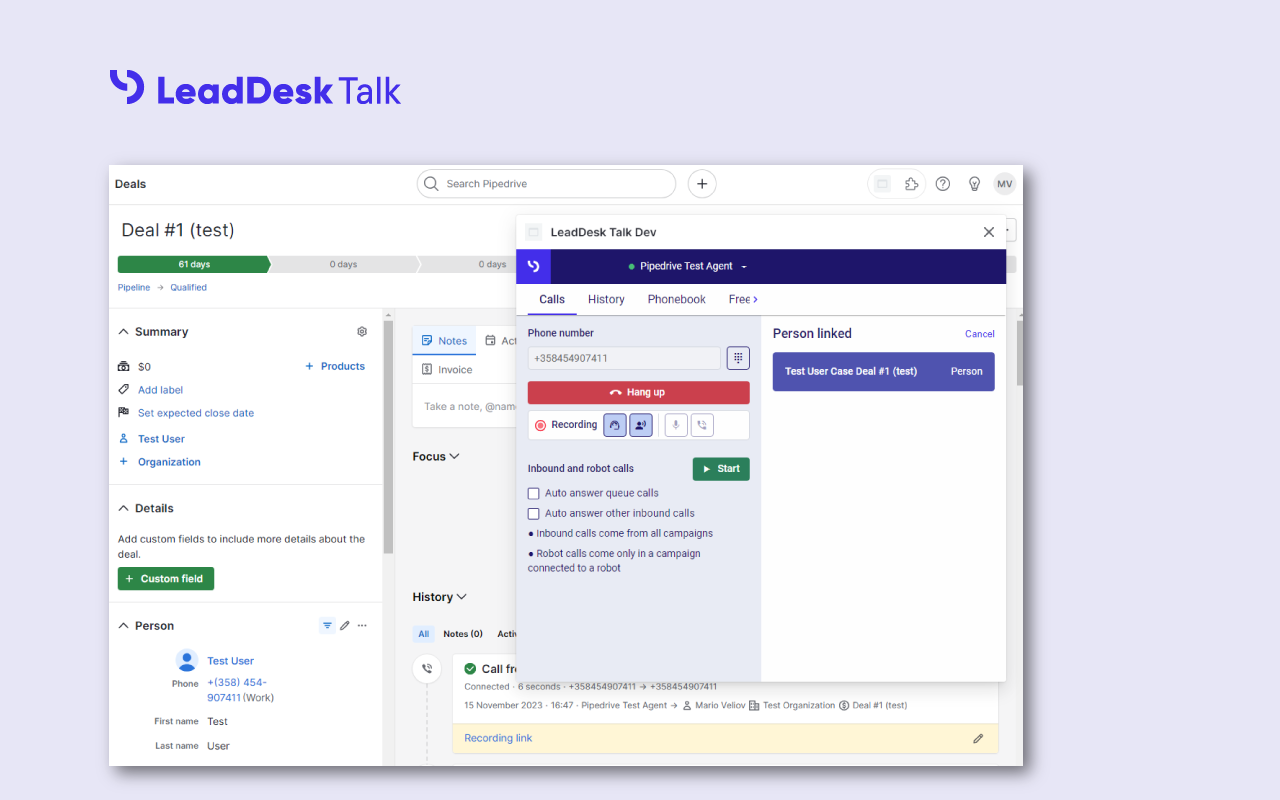
**Make Outbound Calls:** Customer phone numbers are pre-populated in the dialer from the contact or deal record. Simply click to call and start talking to your contacts. Agents can also manually dial numbers and create new contacts if there's no match in Pipedrive.
**Get Inbound Calls:** LeadDesk Talk pops up for agents if an incoming call comes from contacts and links to the record. Agents can review communication history instantly and provide meaningful conversations from the start of each call.
**Send Text Messages:** Follow up with customers to confirm sales requests or to provide additional after-call support. Agents can choose from templates or write their own message.
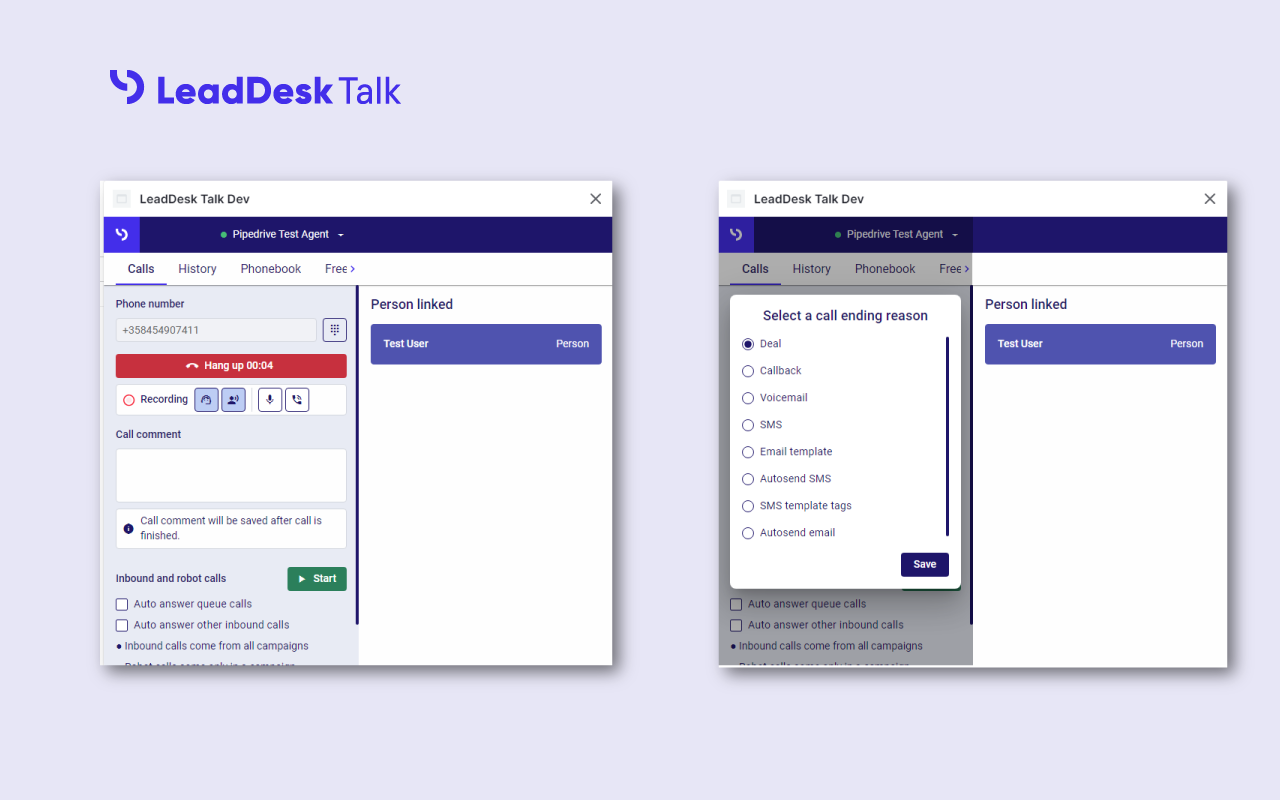
**Works in Pipedrive:** All LeadDesk Talk calls and messages are logged in the contact or deal record in Pipedrive so you can see call status, length, call reasons and dispositions. Call recordings also available.
REVIEWS (2)
★★☆☆☆30.3.2026
Otherwise very handy, but adding the number requires multiple clicks. Long calls might suddenly end due to automatic log out.
★★★☆☆12.9.2025
Välillä sovellus pätkii ja kirjaa ulos.